
.jpg) 1 hour ago
4
1 hour ago
4

Minecraft mods are an integral part of the gameplay, offering players a host of new features and gameplay mechanics to enhance the vanilla playthrough. Now, this pack by cheyao transforms the block-shaped world into a 2D world with unique visuals and properties.
Here's everything you need to know about the 2D Minecraft mod.
How to install the 2D Minecraft mod
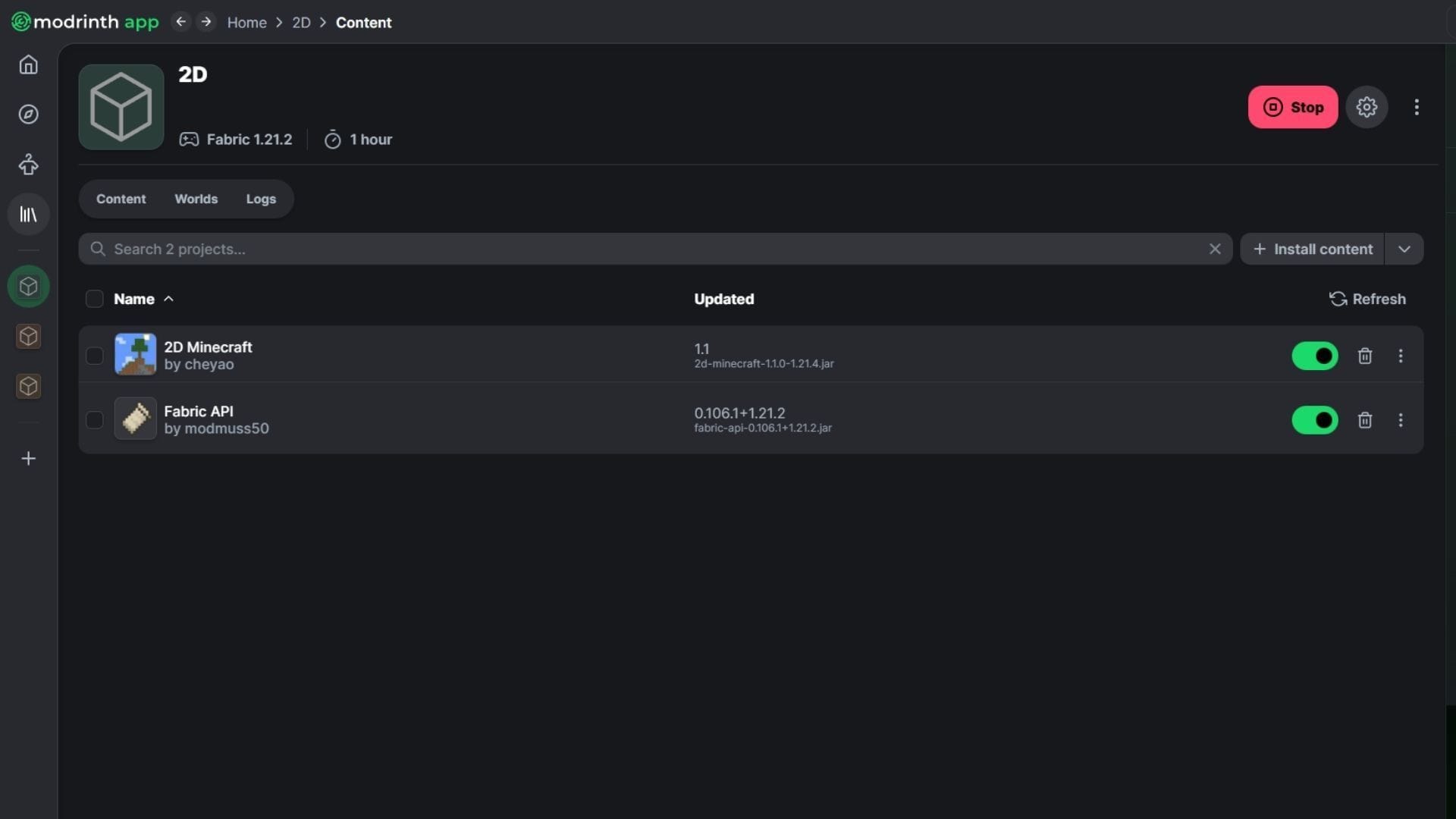 Use the Modrinth launcher to download and install the 2D mod for Minecraft (Image via Sportskeeda Gaming || Mojang Studios/cheyao)
The 2D mod for Minecraft can be installed using any mod loader that has Fabric installed. For this guide, we have used Modrinth and its mod loader with Fabric running on game version 1.21.2.
Here's how you can download and install the 2D Minecraft mod:
- Head over to Modrinth and download the official launcher.
- Once downloaded and logged in with your Mojang credentials, search for the 2D Minecraft mod by cheyao. Alternatively, you can click on this link to get to the official Modrinth listing.
- If you wish to install the 2D Minecraft mod manually, click on the green Download button and select the game version and platform.
- Once done, download and place the ZIP file in the mods folder of your desired Minecraft instance. However, if you do not have Fabric installed or are new to installing mods and packs in Minecraft, it is recommended to use the Modrinth loader.
- For installation using the launcher, click the green Download button, which will open up a deep link to the downloaded Modrinth app.
- Once the app loads, you will be prompted to create a new instance or choose an existing Minecraft instance. While you can choose an existing instance, it is recommended to install the 2D Minecraft mod on a fresh instance of the game to avoid conflicts with existing mods, shaders, or data packs and eliminate the risk of world corruption.
- Create a new instance and name it. After creating the instance, you will be redirected to the page. Wait for the mod and all its assets to get installed.
Features of the 2D Minecraft mod
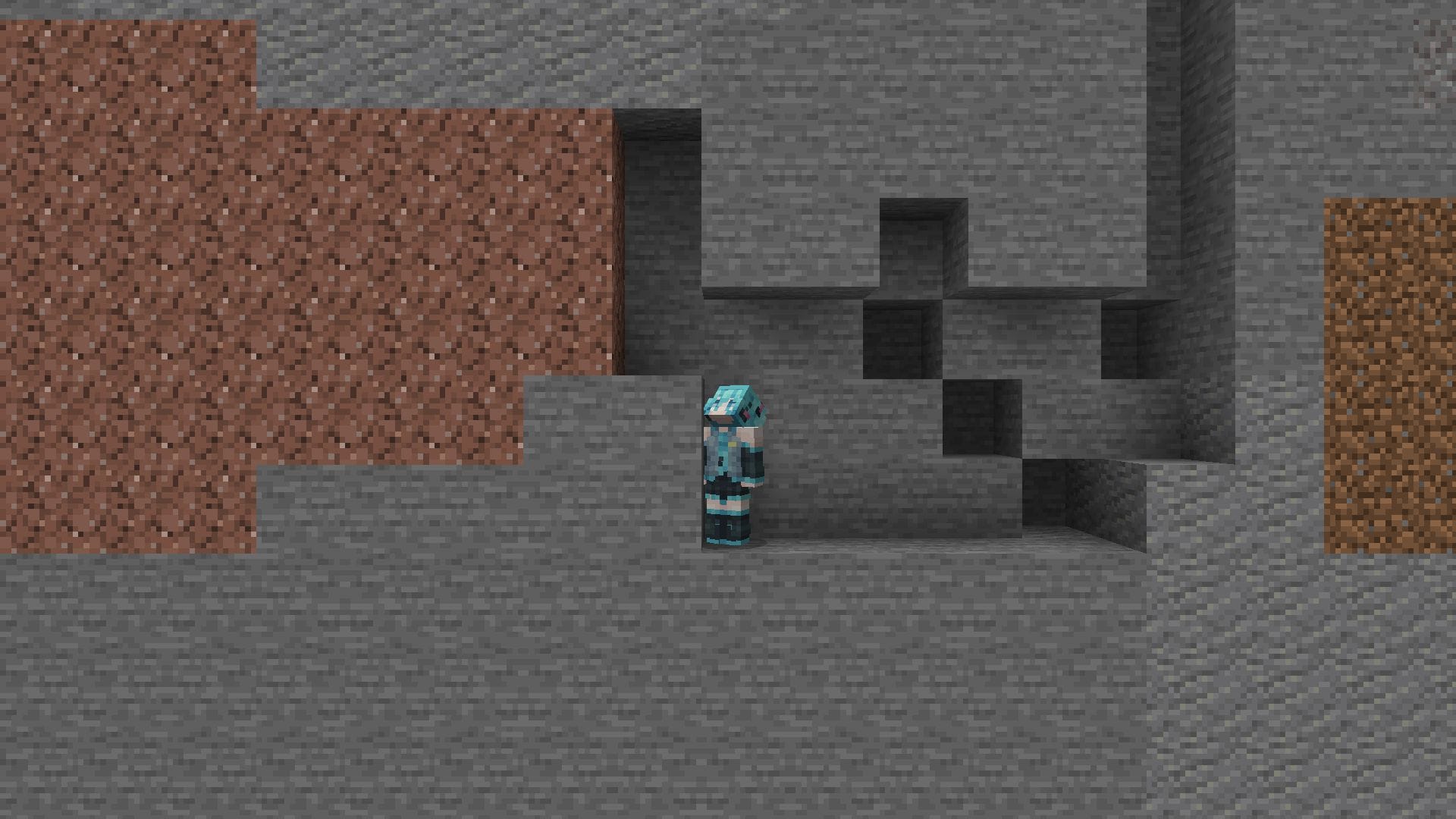 Explore a 2D world with this unique mod for Minecraft (Image via Sportskeeda Gaming || Mojang Studios/cheyao)
The 2D mod reinvents the 3D world of the game, turning the title into a two-dimensional universe reminiscent of the Mario days. Players need to load a new world and select 2D World as the world type before heading into the adventure.
The mod is powered by a locked-in-place 2D camera and a 2D world generator that generates a Terraria-like world, offering players a chance to yearn for the mines with a challenge. The replacement of the traditional movement with a two-dimensional traversal mechanic makes it even more engaging and challenging, especially for new players.
Apart from being playable on single-player worlds, the 2D mod can be deployed on servers as well. Here's how to deploy it for servers:
- Open your desired server and head over to settings
- Set level-type to flat-minecraft\:paper_world
- Install a mod like gotta go fast to ensure server-side optimisation during movement
The unique 2D generation and new take on the classic gameplay make this 2D mod a must-have for players looking for something different to spice up their regular playthrough.
Also read: How to download Minecraft 1.21.11 Iris Shaders
Check out our other Minecraft articles:
- How to get and use the Reese's Sodium Options mod
- This mod reimagines death in the game
- How to get boss mob spawn eggs in Minecraft
- How to sort items using a copper golem in Minecraft
- 4 best Minecraft mods to bring mobs to life
- All the Minecraft fishing enchantments explained
Why did you not like this content?
- Clickbait / Misleading
- Factually Incorrect
- Hateful or Abusive
- Baseless Opinion
- Too Many Ads
- Other
Was this article helpful?
Thank You for feedback
Edited by Sayendra Basu
 English (US)