
.jpg) 2 hours ago
2
2 hours ago
2

Activating the Zenless Zone Zero 2.5 redeem codes will provide players some in-game resources like Polychrome, Denny, and more. They can be used to summon and build the Ye Shunguang and Zhao throughout the next patch. The update is brimming with several new events and other content that will reward valuable resources.
However, exchanging the active codes is the easiest way to acquire them. This article further lists all the Zenless Zone Zero 2.5 redeem codes.
All Zenless Zone Zero 2.5 redeem codes
Here are all the redeem codes that are currently active in the Zenless Zone Zero 2.5 update:
- ZENLESSGIFT: Polychrome x 50, Official Investigator Log x 2, W-Engine Power Supply x 3, Bangboo Algorithm Module x 1
- ShunguangWinterGift: Polychrome x30
- ZHAOISFREE: Polychrome x50
- MEETTHEVOIDHUNTER: Polychrome x30, Senior Investigator Log x3, Denny x6,666
- ZZZCREATOR25: Polychrome x20, Denny x6,666
- ZZZ24KRAMPUS: Polychrome x 60, Denny x 6,666
- ZZZ25MINA: Polychrome x60, Denny x6,666
- VRELEASE25: Polychrome x100
The list will be updated with more codes as we discover them. Most of them are available for a limited time. Hence, you are advised to redeem them at the earliest to avoid missing out on the rewards.
ZENLESSGIFT is the only exception, since it doesn’t have an expiration window. However, you can exchange it once per account.
How to activate Zenless Zone Zero 2.5 redeem codes
Redeeming the active codes will help you acquire resources to summon and build the Zenless Zone Zero 2.5 characters. We further discussed the exchange methods below:
How to redeem on the official website
 Redeem on the official website (Image via HoYoverse)
- Use any browser to access the official HoYoverse website.
- Log into your account and pick a server if it isn’t detected automatically.
- Enter the active redemption code in the empty box.
- Click on the Redeem button to exchange the rewards.
- Repeat the steps to activate the remaining codes.
How to redeem in-game
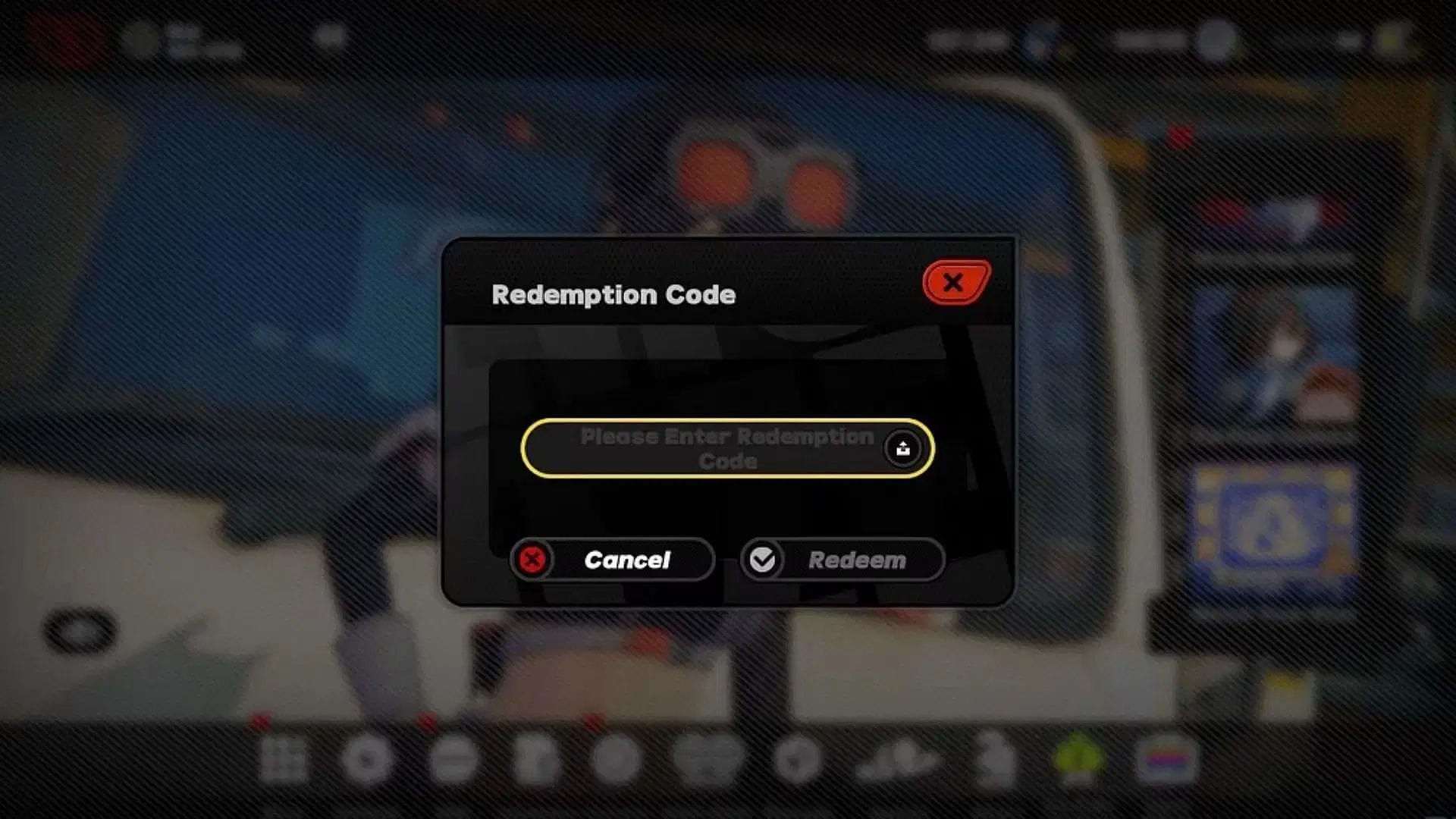 Redeem in-game (Image via HoYoverse)
- Boot up the game from any device.
- Click on Pause once the character loads on your screen to bring up the in-game menu.
- Navigate to More and click on Redemption Code to open a pop-up window.
- Insert the active code in the blank area.
- Click on Redeem to exchange the rewards.
- Repeat the same steps for the remaining codes.
Completing either of the processes is necessary to obtain the rewards, which will be sent directly to your account via the in-game mailing system. To transfer them to your inventory, click on the envelope icon from the Pause menu and hit the Claim button below.
Why did you not like this content?
- Clickbait / Misleading
- Factually Incorrect
- Hateful or Abusive
- Baseless Opinion
- Too Many Ads
- Other
Was this article helpful?
Thank You for feedback
Are you stuck on today's Wordle? Our Wordle Solver will help you find the answer.
Edited by Akash Paul
 English (US)