
.jpg) 1 hour ago
3
1 hour ago
3

There are few things more frustrating in Minecraft than spending hours perfecting a landscape or terraforming a hill, only to find it slowly dismantled block by block. Endermen are iconic mobs, but their tendency to pick up and randomly place blocks, which is often called "griefing,” can turn a beautiful environment into a Swiss-cheese mess of holes with a dash of misplaced dirt.
While Mojang Studios has yet to provide a toggle specifically for Endermen in the standard settings menu, there are several ways to stop this behavior depending on how you play. Whether you want a quick vanilla fix or a more precise technical solution, here is how to protect your builds from the mobs of the End biome.
Stopping Endermen in Minecraft from picking blocks using commands
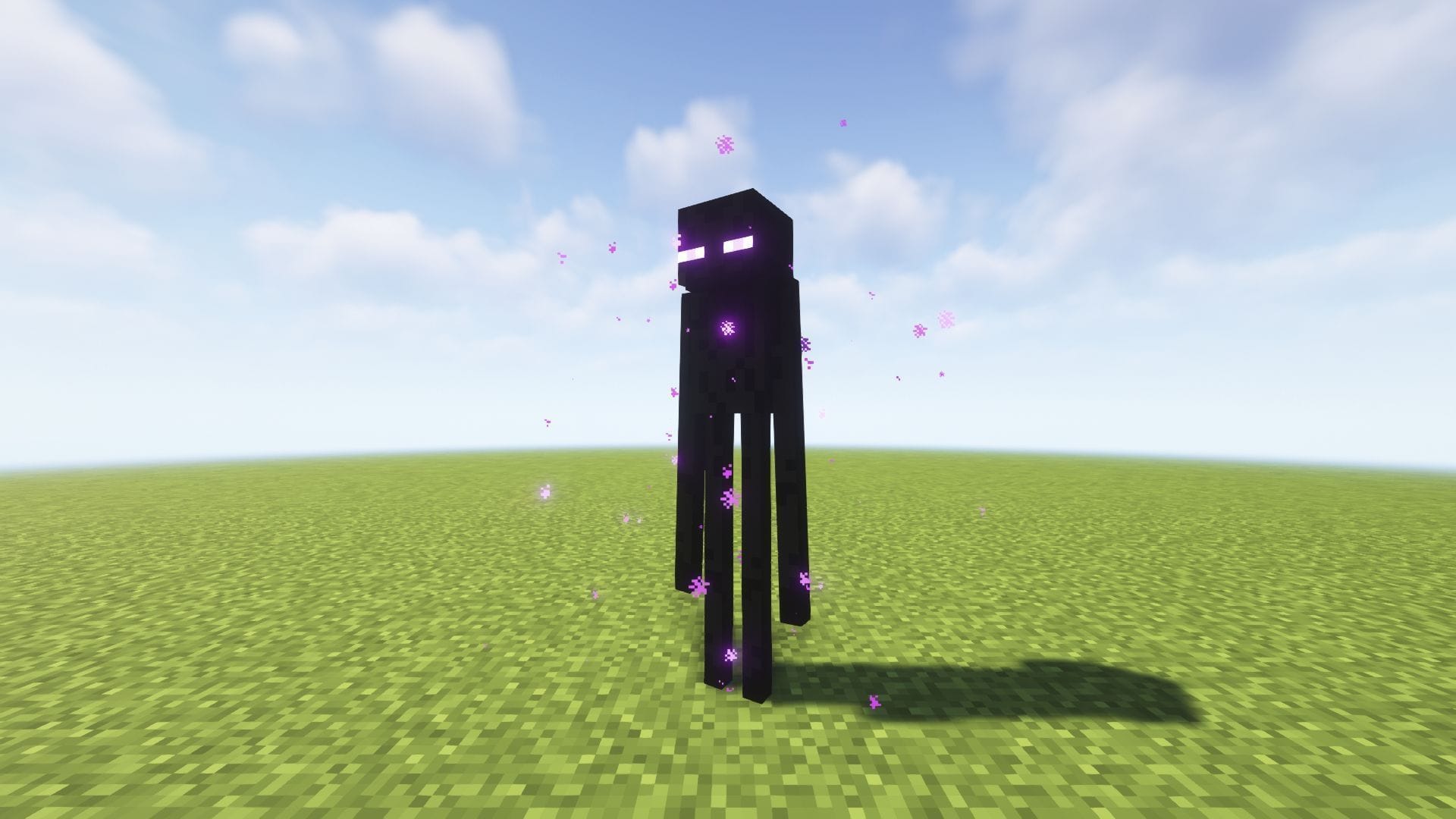 You can use commands to stop Endermen in Minecraft from picking up blocks (Image via Mojang Studios)
The fastest way to stop Endermen from picking up blocks requires no downloads or external files. You can use the built-in "mob griefing" game rule.
- Open your chat window.
- Type the following command: /gamerule mobGriefing false
- Press Enter.
It is important to note that this is a blanket option. Setting mob griefing to false disables all mob interactions with the world. While it stops Endermen, it also has significant side effects:
- Villagers will not harvest crops or pick up food.
- Sheep cannot eat grass to regrow their wool.
- Piglins will not pick up gold ingots.
- Creepers will no longer destroy blocks when they explode.
If you rely on villager automation or sheep farms, this method is likely too restrictive and can even break your game. Thankfully, there are other, more specific ways to stop the Endermen but it will require a little work. You will need to get data packs.
If you want to stop Endermen specifically but keep other mob behaviors intact (like villager farming), data is the best solution. Data packs allow you to alter the game's code slightly without installing full mods.
The most popular source for this is Vanilla Tweaks. Their data packs are modular, meaning you can pick exactly what you want.
How to set it up:
- Go to the Vanilla Tweaks website.
- Under the "Mobs" category, select "Anti Enderman Grief".
- Download the zip file.
- Open your Minecraft world folder (go to your world settings in-game -> "Open World Folder").
- Open the datapacks folder and drag the downloaded zip file inside.
- Type /reload in your game chat.
This works by modifying the "tag" list of blocks that Endermen are allowed to hold. The data pack simply makes that list empty, so the Enderman tries to pick up a block but finds nothing valid to grab.
For the more advanced players, if you are already playing Minecraft with a mod loader like Fabric or Forge, installing a dedicated mod is often easier than managing data packs per world, as mods can apply globally to all your saves.
- Enderman Griefing Disabled (Fabric/Forge): This is a simple, lightweight mod that does exactly what the name implies. It removes the ability for Endermen to hold blocks but changes nothing else.
- Creeper Confetti / Griefing adjustments: Many larger "tweaks" mods include config files where you can toggle specific mob behaviors on or off individually.
Those were all the methods to stop Endermen from picking up blocks and ruining your builds. If building projects is your main end goal, then mob griefing method is the best way to go with it as it is fast and simple. But if you also want a proper survival Minecraft gameplay, then data packs and mods are the options to choose.
Why did you not like this content?
- Clickbait / Misleading
- Factually Incorrect
- Hateful or Abusive
- Baseless Opinion
- Too Many Ads
- Other
Was this article helpful?
Thank You for feedback
Edited by Pranay Mishra
 English (US)