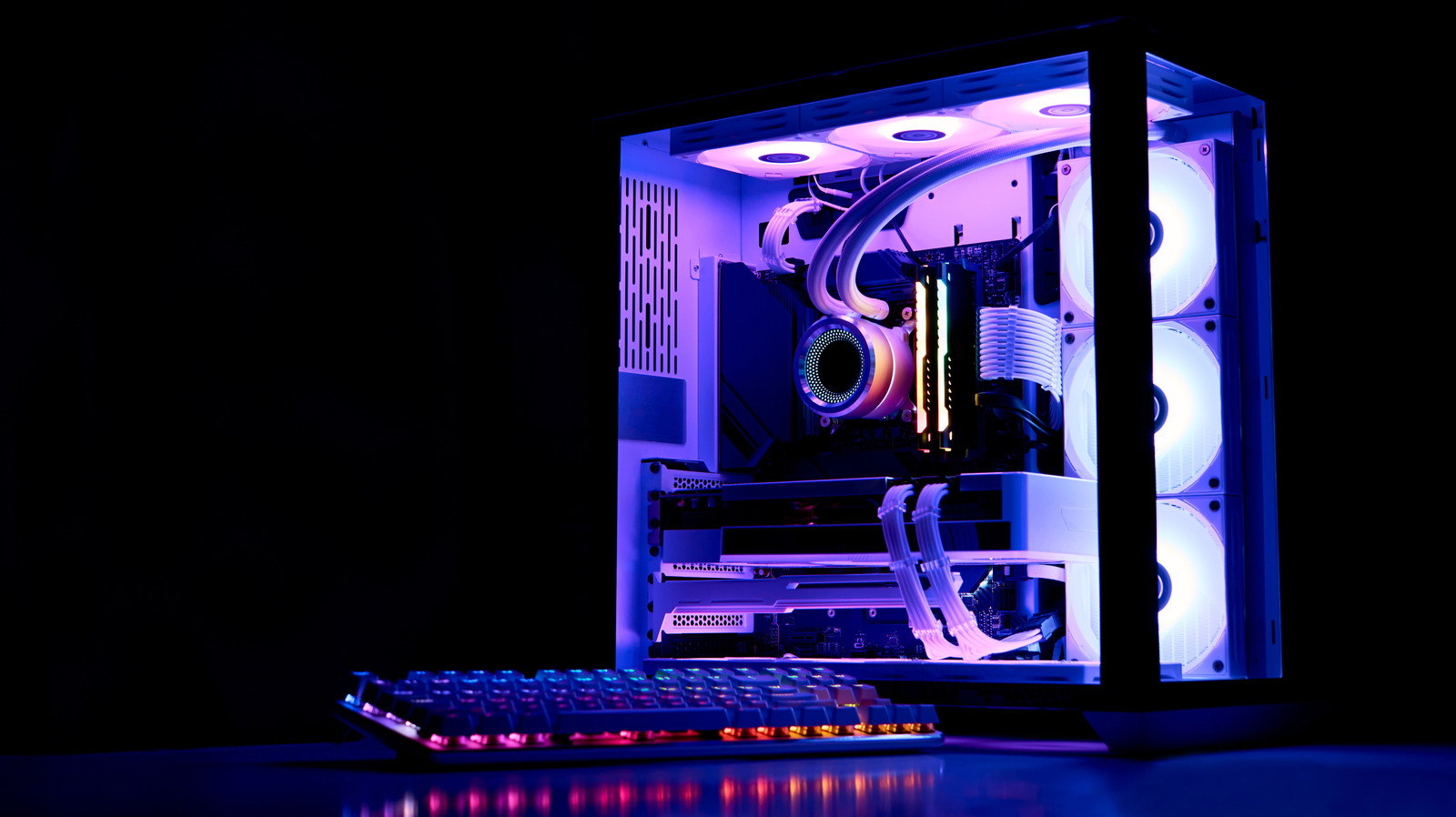
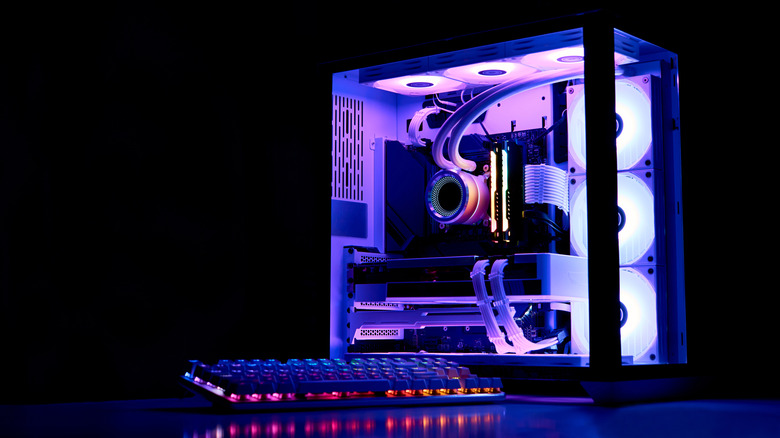
Liquid-cooled PCs are all the rage, but you can't leave all that water sitting in your rig forever.
Daryadanik/Getty Images
If you want to improve your PC's cooling systems, liquid coolant is a method worth considering. In a coolant system, stored water is pumped around hot PC components, absorbs the heat, carries it back to the radiator and dissipates it. While this is a pretty effective way to cool down a PC, it does require a good deal of maintenance — and that includes the occasional coolant replacement.
If you're one of the many consumers who have decided that a liquid-cooled PC is worth it, you're probably already versed in the many hurdles that come with mixing tech with water. In addition to looking for leaks, grime and general wear, you'll also need to keep an eye on how long you've had the same coolant in your machine. Sorry, coolant doesn't last forever — and you'll need to constantly replace your PC's supply. Luckily, it's not too tough of a task to determine when a refill is needed.
Why and how coolant expires over time
Alen Martisol/Shutterstock
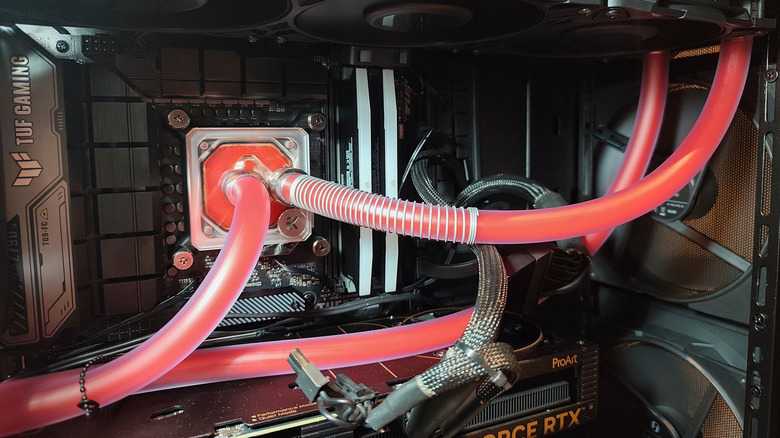
The issue with coolant over time isn't necessarily one of evaporation dwindling the supply, although excessive use will evaporate a little water if you're using softer tubes. The primary issue is the slow breakdown of any coolant being put under active strain. Notably, the corrosion inhibitor compound within coolant will be eaten away with time; once that compound is used up, all that liquid will start to corrode the mechanical innards of your PC. Coolant will also lose its lubricating qualities with use, reducing the function of the pump motor and other parts of the system.
Over time, the liquid in your coolant system could also start to develop algae and other particulates. This is double the case if the liquid contains colorful pigments or any other aesthetic additives. All of that will lead to clogging and slowdown, as well as a blow to your rig's stylization.
How long PC coolant lasts and when to replace it
Andrey Zhuravlev/Getty Images
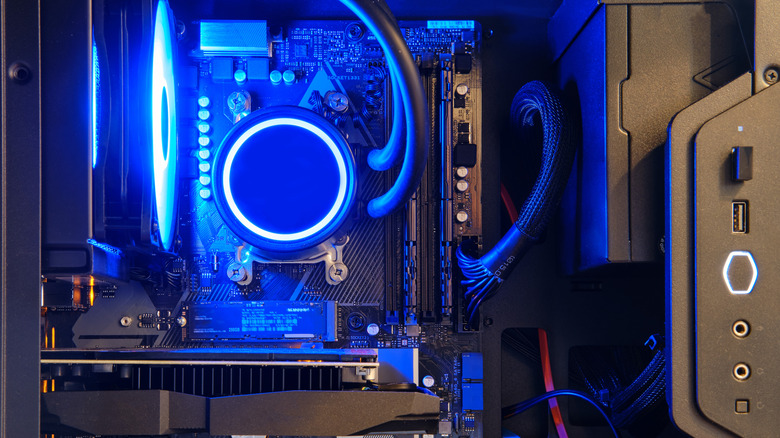
You don't have to worry about a small biome springing up in your pipes overnight, so long as you replace your coolant regularly. It's generally agreed that you should be swapping your coolant supply at least once a year, possibly twice. You should definitely consider a replacement every six months if you're using semi-transparent coolant, as all that extra pigment will cause your liquid to clog up faster.
If you're not doing anything fancy with your coolant liquid, chancing an annual replacement isn't a bad idea. Nonetheless, keep an eye on your tubes, reservoir and water block for tell-tale signs of degradation, chiefly that of a murky color, haze, grime or algae. It's also wise to check the temperature of your PC's CPU from time to time. A sharp and sustained spike in heat could signal that your coolant has served its purpose and needs to be replaced.