 (Image credit: Future)
The 2007 season finale of TV phenom Lost ended with an all-timer twist: What had seemed like the show's routine flashback storyline, filling in the events that preceded its characters ending up in island purgatory, was actually a flash forward. Protagonists Jack and Kate were somehow safe in Los Angeles after three seasons of being stuck on the mysterious island. Escaping had been the whole point of the show—or so we thought, until a broken Jack cried "We have to go back!"
This is now how I feel about, frankly, a lot of technology. Not long before that episode aired I'd gleefully dropped $1,000 on my first HD display, a 26-inch 1366x768 Samsung LCD that served as my college dorm TV and doubled as my computer monitor. For the time it was state of the art, so much thinner and sharper and better than the CRT monitor still attached to the family PC.
Or was it?
Twenty years later, experts who are tuned into the minutia of display tech are still trying to get back what we lost.
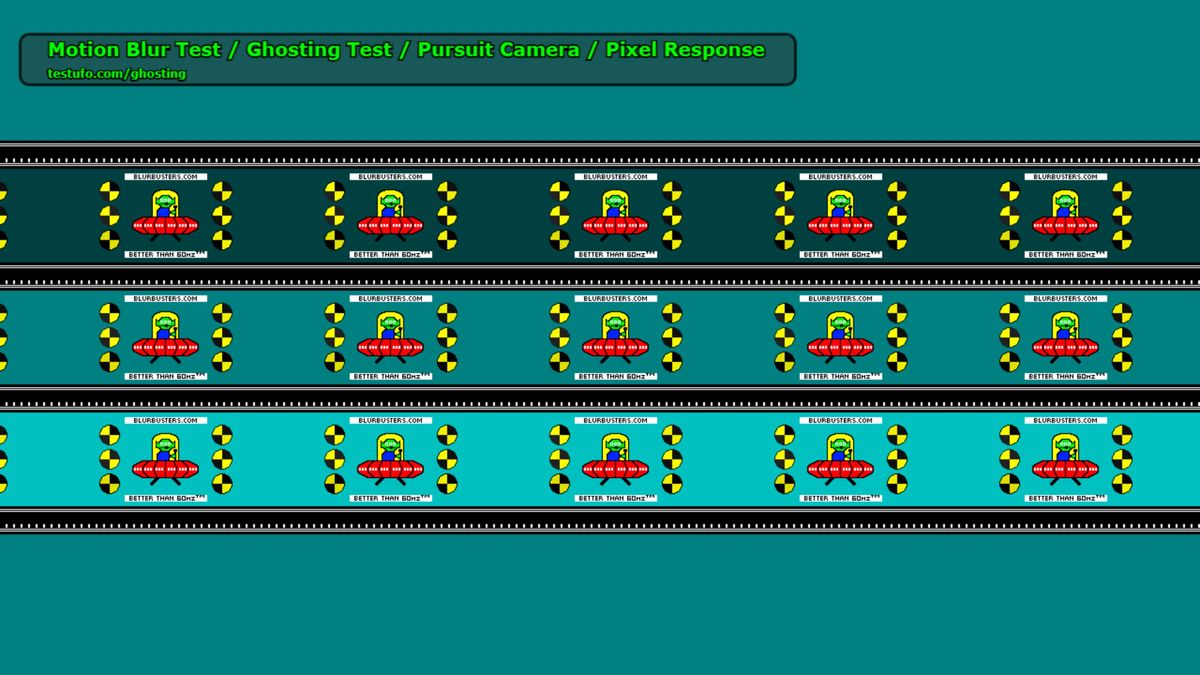
"People older than 40 will generally remember the motion clarity of CRTs, while younger people who've never seen a CRT will not remember," says Mark Rejhon, founder of the website Blur Busters. For years, Blur Busters' "Test UFO" browser tool, starring a little green man in a red saucer, has served as the de facto way to judge the clarity of objects in motion on modern displays. Compared to older CRT monitors, the LCDs of the mid-2000s were particularly terrible, their pixels taking an eternity to change from one color to another and leaving a nasty "ghost" trail on fast-moving images.
The TV I spent an entire month's paycheck on was better than average for its day, but the novelty of the HD era made me overlook then what's far more obvious now: the richer colors and smoothness of a CRT that I gave up, and wouldn't get back for nearly two decades.
Today's high refresh monitors are far better than the smeary, washed out LCDs of the 2000s—but even the best of the best are still chasing the clarity of CRTs, which means Rejhon is chasing it too.
Cathode ray 'tude
Pulse Check
While ShaderBeam tries to eradicate motion blur in software, Nvidia's tackling it in hardware. G-Sync Pulsar (built into a range of gaming monitors this year) works with VRR and uses backlight strobing plus a rolling top-to-bottom refresh cycle, much like a CRT, to create a "perceived clarity" of 1,000 Hz. No OLEDs yet, though, and the tech is of course locked to Nvidia GPUs.
In late 2024 Rejhon debuted a "breakthrough algorithm for simulating a CRT tube" alongside former Nvidia developer Timothy Lottes, which takes advantage of 240+ Hz displays to drastically reduce visible motion blur in retro games and other content that's locked at 60 Hz.
The trick, to grossly simplify some extremely complicated tech, is recreating the visual "phosphor fade" of a CRT, which is gentler on the eyes and less flickery than harsh black frame insertion (BFI), the previous go-to method for cutting down on blur as pixels swap from one color to another.
"The two main ways to reduce display motion blur is either flicker the frames (like a CRT) or add more frame rate (for high Hz)," Rejhon said. "Both methods will show frames more briefly, like a fast camera shutter, and result in less display motion blur. CRTs could flicker pixels brightly for less than 1/1000 second. The bonus with CRT is you do not require more frame rate to achieve low motion blur."
Image 1 of 2
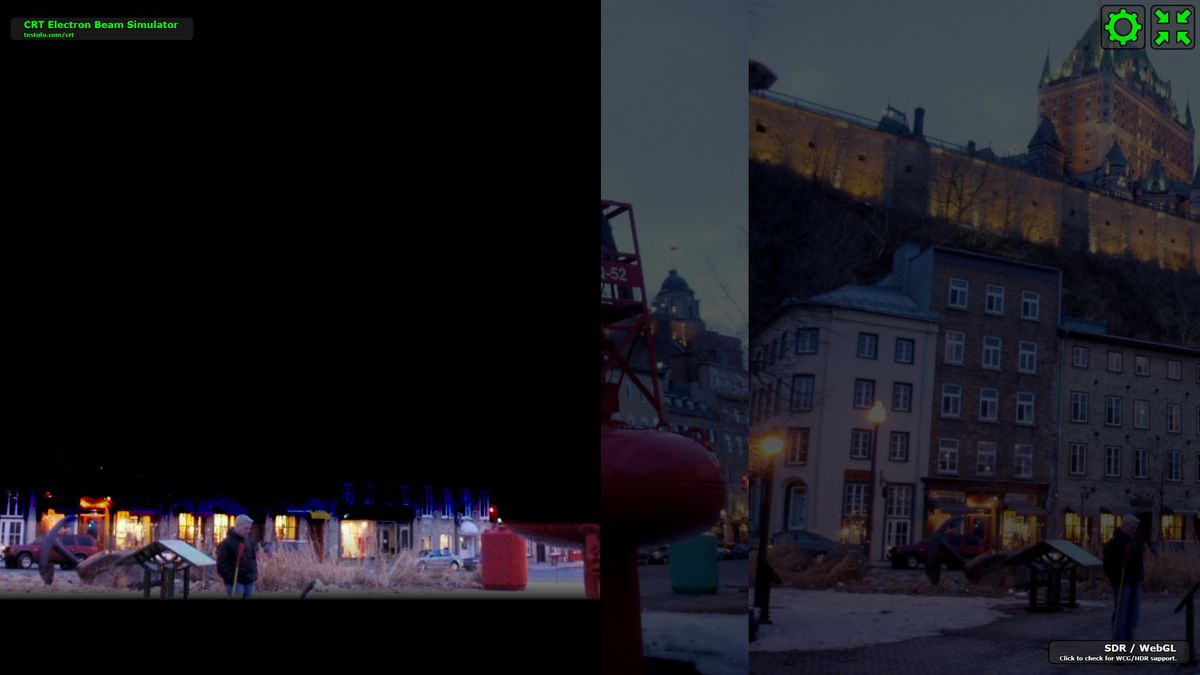
If that's still tough to wrap your brain around, think of the CRT simulation as DLSS, but for motion instead of resolution: When it's working just right, a game locked at 60 frames per second could look just as smooth and clean as one running at, say, 540 frames per second, without needing an RTX 5090 to hit those numbers.
540 Hz is the refresh rate of the ROG PG27AQWP-W Asus sent me for testing, an ideal monitor for getting the most out of CRT simulation. It even has a 720 Hz mode if you drop the resolution to 720p; and the higher the refresh, the more you can reduce the perceived motion blur. Unlike LCDs, OLED panels can go completely black (there's no backlight to bleed light) and get extremely bright, getting much closer to the contrast CRTs naturally offered. And the high refresh rate helps recreate the electron beam that would travel down a CRT screen to "draw" the image.
This effect isn't just a nostalgia thing: As Rejhon notes on BlurBusters, "60 Hz BFI and strobing flickers a lot" because you're flashing a black frame in between each one from your game. By comparison, the top-to-bottom scanning effect is less harsh: "CRT simulation is much gentler for 60 fps content, because of phosphor fade & rolling scan. Some light is emitted somewhere else on the screen all the time."
Despite the perfect hardware to test on, though, CRT simulation is so bleeding edge I practically sliced my brain to ribbons trying to get it working earlier this year.
The first actual implementation of BlurBusters' tech was in a shader for the emulation frontend Retroarch, but soon after it was built into an experimental branch of a standalone app called ShaderGlass, a great overlay for Windows that lets you apply hundreds of visual effects to whatever's on your desktop—scanlines, the fuzziness of an analog video signal, and so on. But the CRT beam simulation is so much more complex than a typical video shader, app developer Mausimus decided to split it off into a separate tool: ShaderBeam.
"The ideal application of beam simulation technology requires perfect synchronization with both the display (it cannot afford to drop a single frame even at those high refresh rates, since that causes very noticeable flashing) and input content (for aligning source frame generation with simulated CRT refresh rate)," said Mausimus. Right now, it's the best way to use Rejhon's algorithm.
Shader dreams
ShaderBeam v0.1 Released! - YouTube
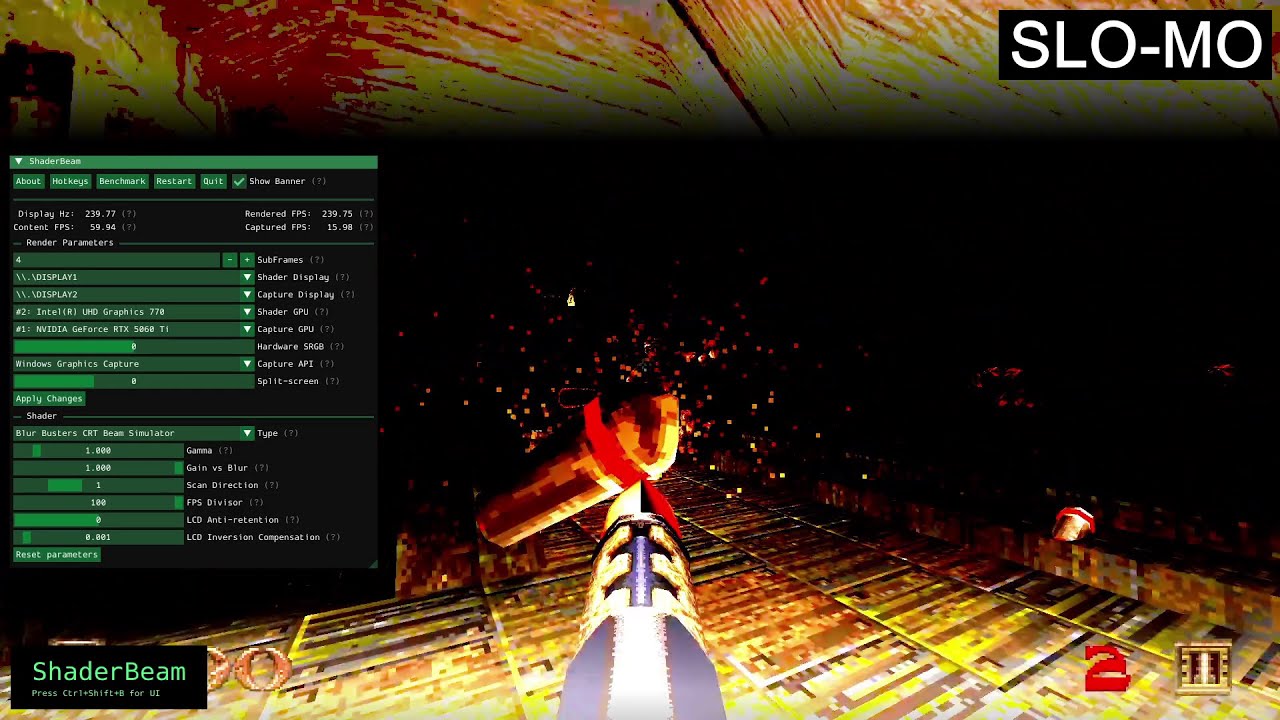
ShaderBeam doesn't involve much setup: launch its executable and use a hotkey to apply the shader on top of a game window. How simple it looks belies how hard the visual effect is to pull off when you don't work at Microsoft, AMD or Nvidia.
"ShaderBeam tries to use whatever's available, like screen capture and window transparency (even though these technologies weren't designed with this use case in mind at all and provide no timing guarantees whatsoever), to compensate for the inability to insert itself into the rendering pipeline from source content to display," Mausimus said. "It's at the mercy of opaque scheduling algorithms built into the OS and GPU drivers, hoping it can eke out enough resources to maintain its timing."
The ideal ShaderBeam setup involves disabling usual niceties like VRR, turning off all sorts of features in your graphic's cards driver settings, unplugging secondary monitors, using Process Lasso to give it higher priority, and even a registry edit. It includes the novel idea of splitting up the responsibilities of rendering the game and the CRT shader to two GPUs. If your processor has a built-in GPU, using it can help avoid a desync between the rate at which your game is spitting out frames and the rate at which ShaderBeam can apply the CRT beam simulation.
"By moving beam simulation to another GPU there is less contention for the primary GPU's time and effectively better scheduling consistency; it does provide a much more stable experience," Mausimus said. "The issue with single GPU isn't lack of GPU power, rather its unpredictable distribution."
Image 1 of 1
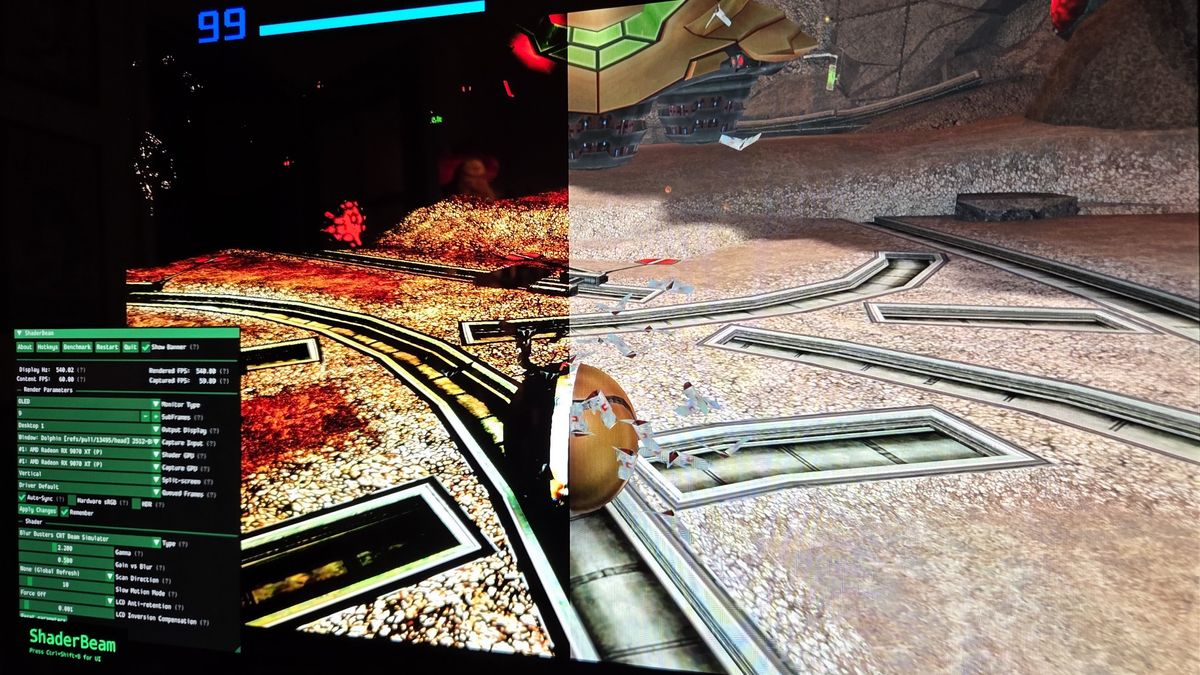
If ShaderBeam "isn't given enough GPU time by the OS to present a frame on time," you'll experience some flashing—which I discovered by pushing my Intel chip's iGPU to output at 1440p at 540 Hz. Then I struggled through consistent stuttering while trying ShaderBeam with various emulators and shooters like Quake and Amid Evil, which led me down the rabbit hole of display subframe timing, where the minutia of monitor technology quickly becomes more and more arcane.
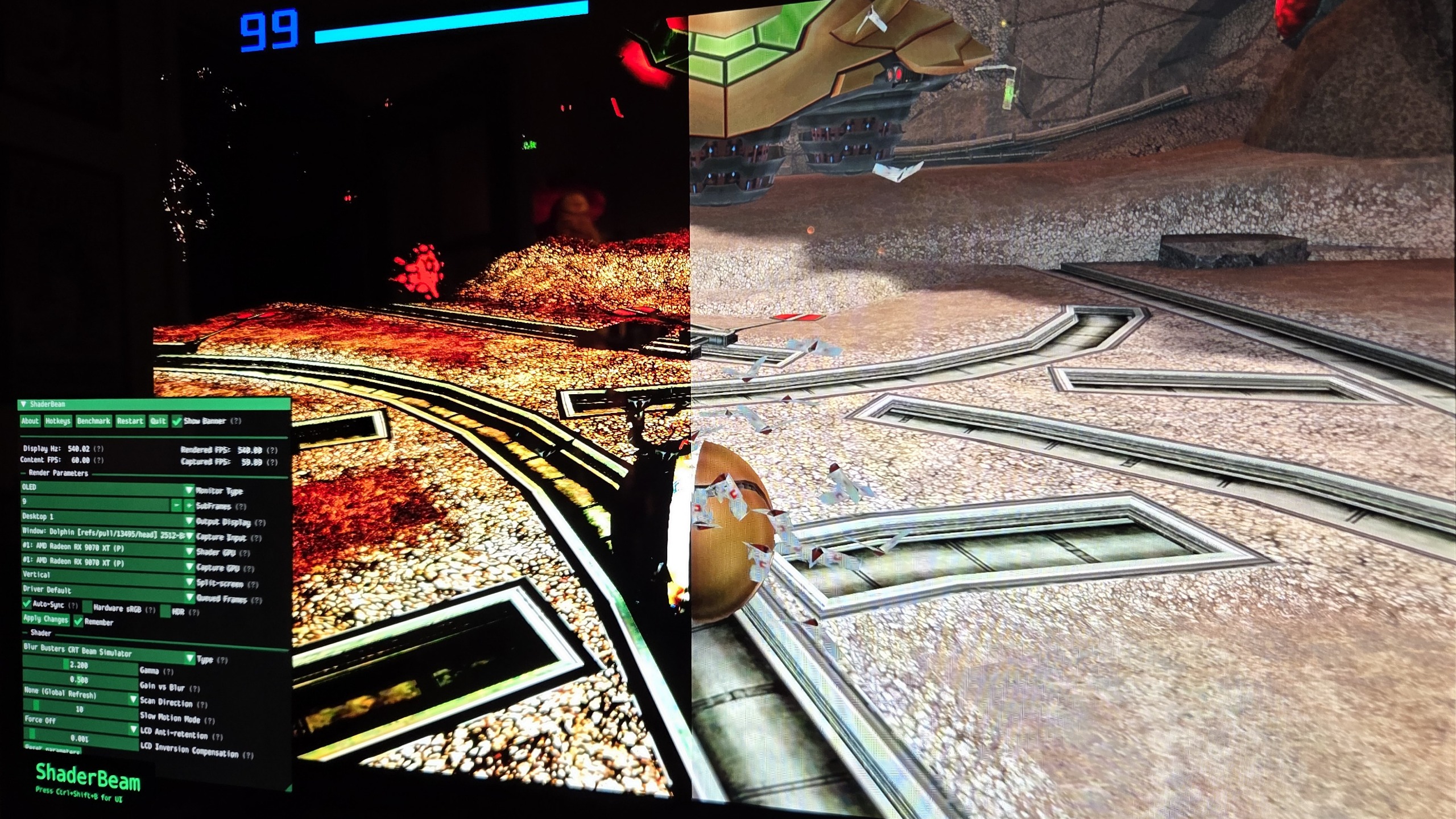
This all might sound like a borderline deranged amount of effort just to play a game like Nintendo's Metroid Prime 2: Echoes in GameCube emulator Dolphin, one of my test cases, the way I first saw it on the CRT in a high school friend's bedroom. I felt like a mad scientist (emphasis on the mad) while trying to troubleshoot stutters, flicker, and color banding for hours on end.
Even when everything is calibrated just right, there's also the possibility a game itself can throw a wrench in things—Unreal Engine 5's penchant for stuttering will naturally throw off the frame pacing of the CRT simulation, too, for example.
But when I started rolling Samus's morph ball in a tight circle and realized the room's columns remained pin sharp even as the camera whirled around, I got a glimpse of what Rejhon and Mausimus have been fighting for. "On moving objects (or the scene if you look around) the shader should allow you to see the individual pixels; normally they all just get blurred out," Mausimus said, using the intricate textures on a Quake column as a prime example. Factorio is another good test case: "It has this really smooth movement of the whole scene when you walk around without the shader, the pixels get blurred together, but with the shader you should still be able to see the details even when moving."
Hard Locked
On top of a vast library of 60 Hz console games, these PC classics would benefit from CRT simulation.
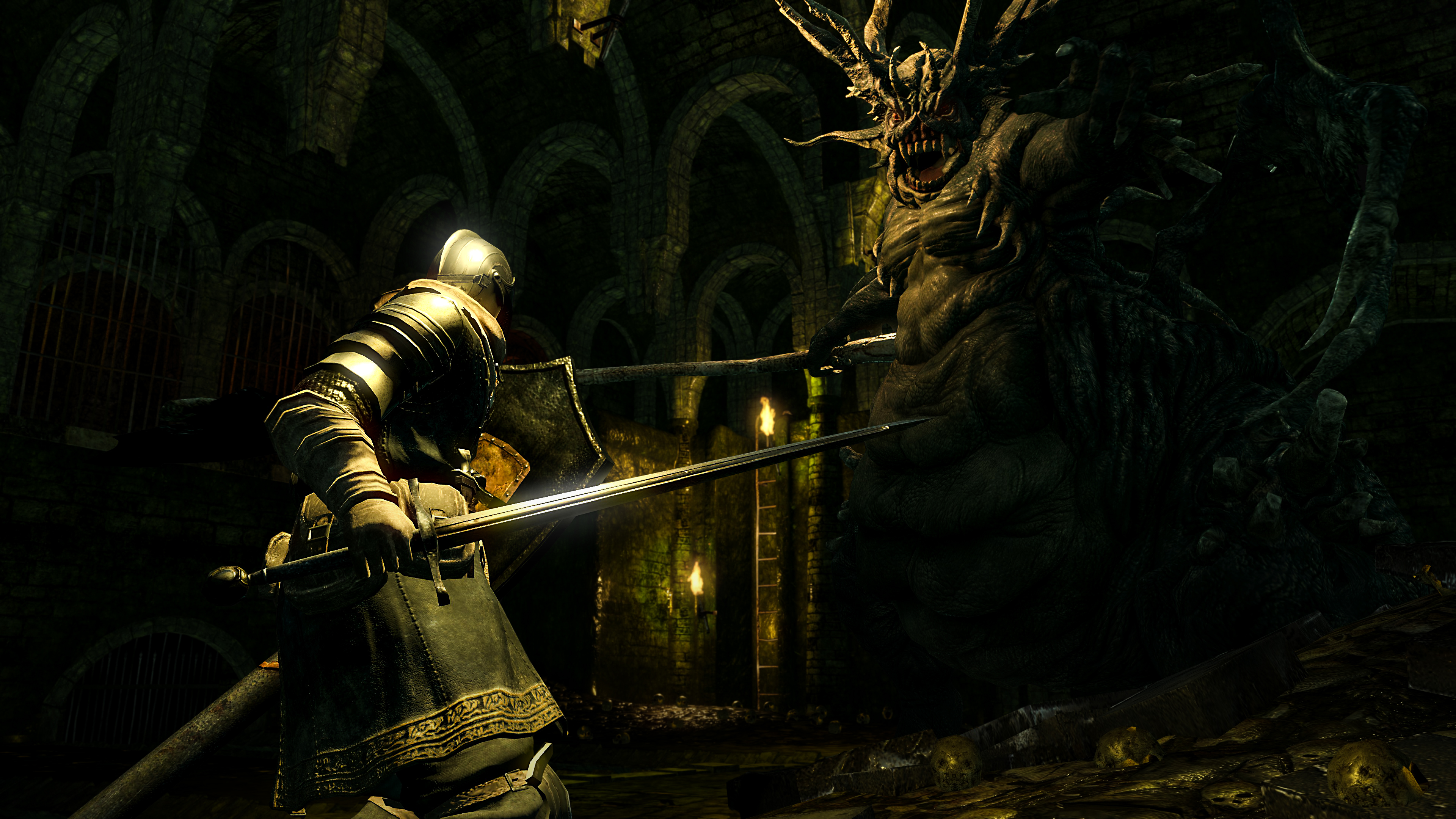
Dark Souls: Remastered
It took until Armored Core 6 for FromSoftware to offer 120 fps support.

Sonic Racing: Crossworlds
A 2025 racing game capped at 60 fps? No speeding tickets for Sonic, I guess.

Nier: Automata
An action game this good begs for an uncapped framerate. Alas.
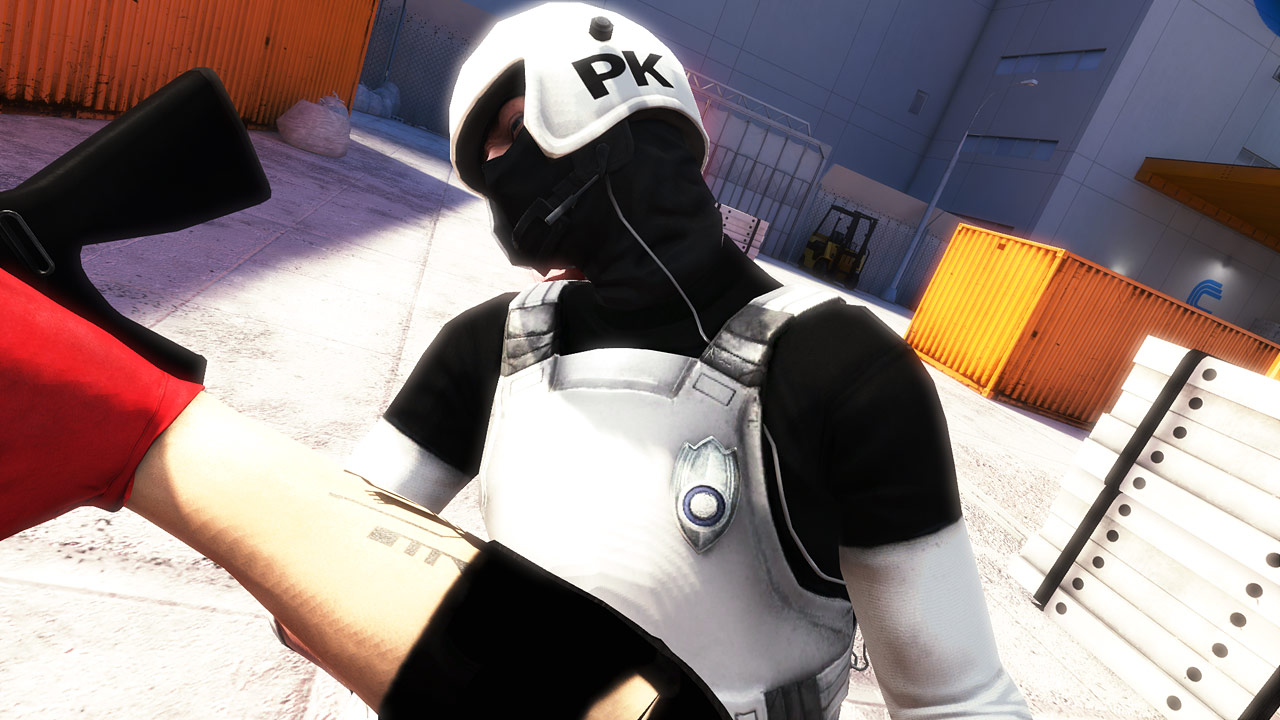
Mirror's Edge
Tweaks exist to uncap Mirror's Edge, but the physics get wonky. Its gleaming cityscape deserves the clarity of a CRT.
It almost feels uncanny once your eyes pick up on details that would normally be just a blur—the difference is as dramatic as switching to a higher refresh rate in a game you've only ever controlled at 30 fps. But it's frustratingly difficult to describe or demonstrate, since capturing the effect on camera is tough and impossible to perceive without a 240 Hz+ display, anyway.
Future vision
As impressive as ShaderBeam is, it ultimately requires a level of fiddling and compromise that I don't think make sense for anyone right now. It intermittently brings back what we left behind when we abandoned CRTs, but ultimately makes me think the real solution is either going to come from new hardware—like the next generation of Nvidia's Pulsar monitors—or from Microsoft digging into the guts of Windows to change some of the stuff that happens in between .exe and screen.
"Even if ShaderBeam's makeshift workarounds never reach levels of consistency needed for wide adoption, the hope is that they will boost users' interest in having this kind of technology properly supported by OS, GPU and display manufacturers," Mausimus said.
Rejhon seems bullish about that eventually coming to pass… but these things take time.
"In the future, when shader hooks are built into operating systems, as well as video-processing GPUs are integrated into the display of the 2030s, it will be much more user friendly," he predicted. "This is part of the advocacy that is being encouraged by Blur Busters' Open Source Display Shaders Initiative."
ShaderBeam's goal of awakening PC gamers to the benefits of CRT simulation worked on me, at least. I'm convinced we have to go back—even if it means dragging the people in charge of graphics drivers back to CRT paradise with us.
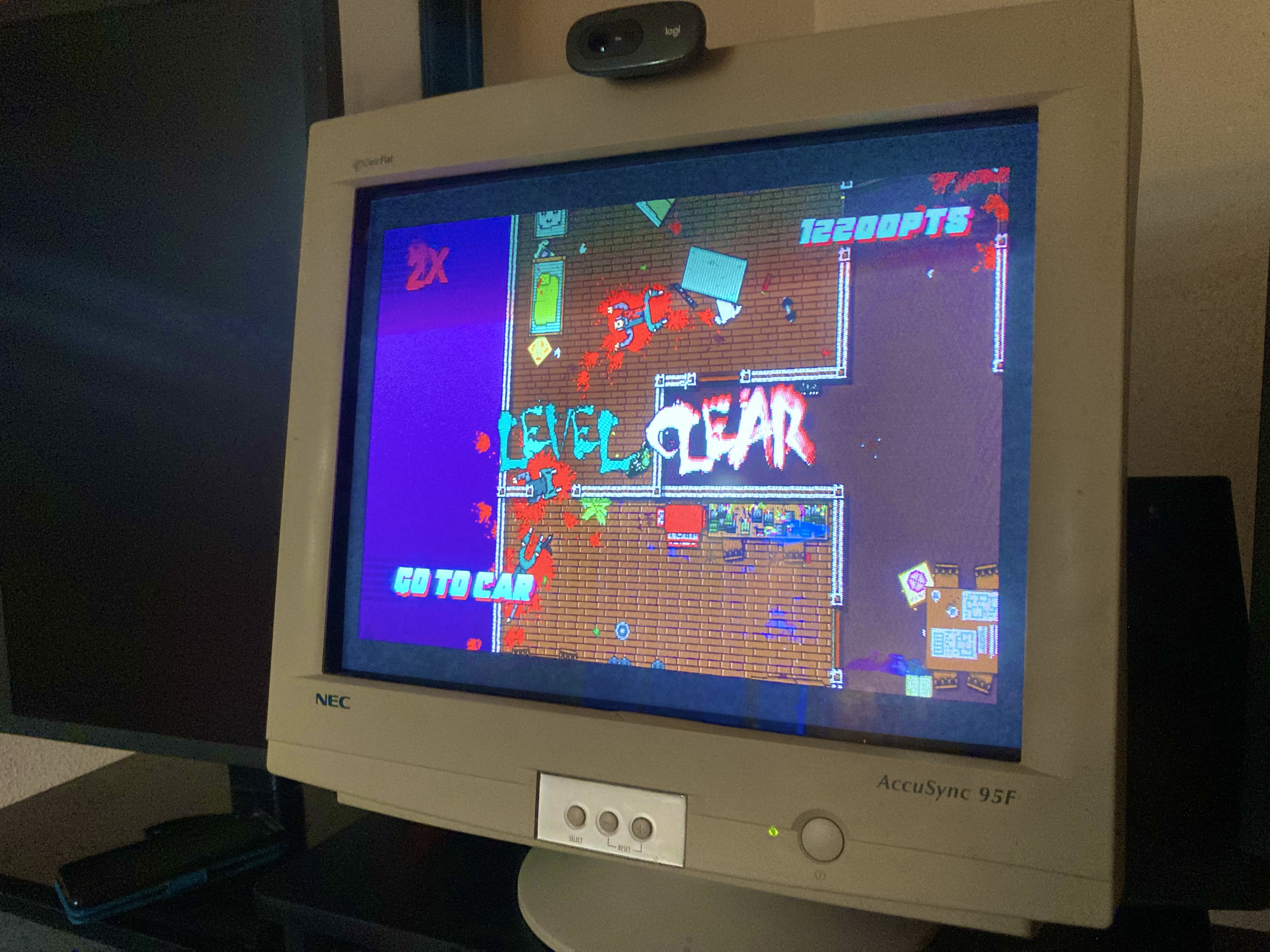
Why you should consider a CRT for your PC gaming setup this year
Despite their bulk, the vivid colors and low latency of a CRT can still make the right PC games look absolutely incredible today.